
Module 01 · Front desk to consultation
Every outpatient visit, from the front desk to the clinician, on one record.
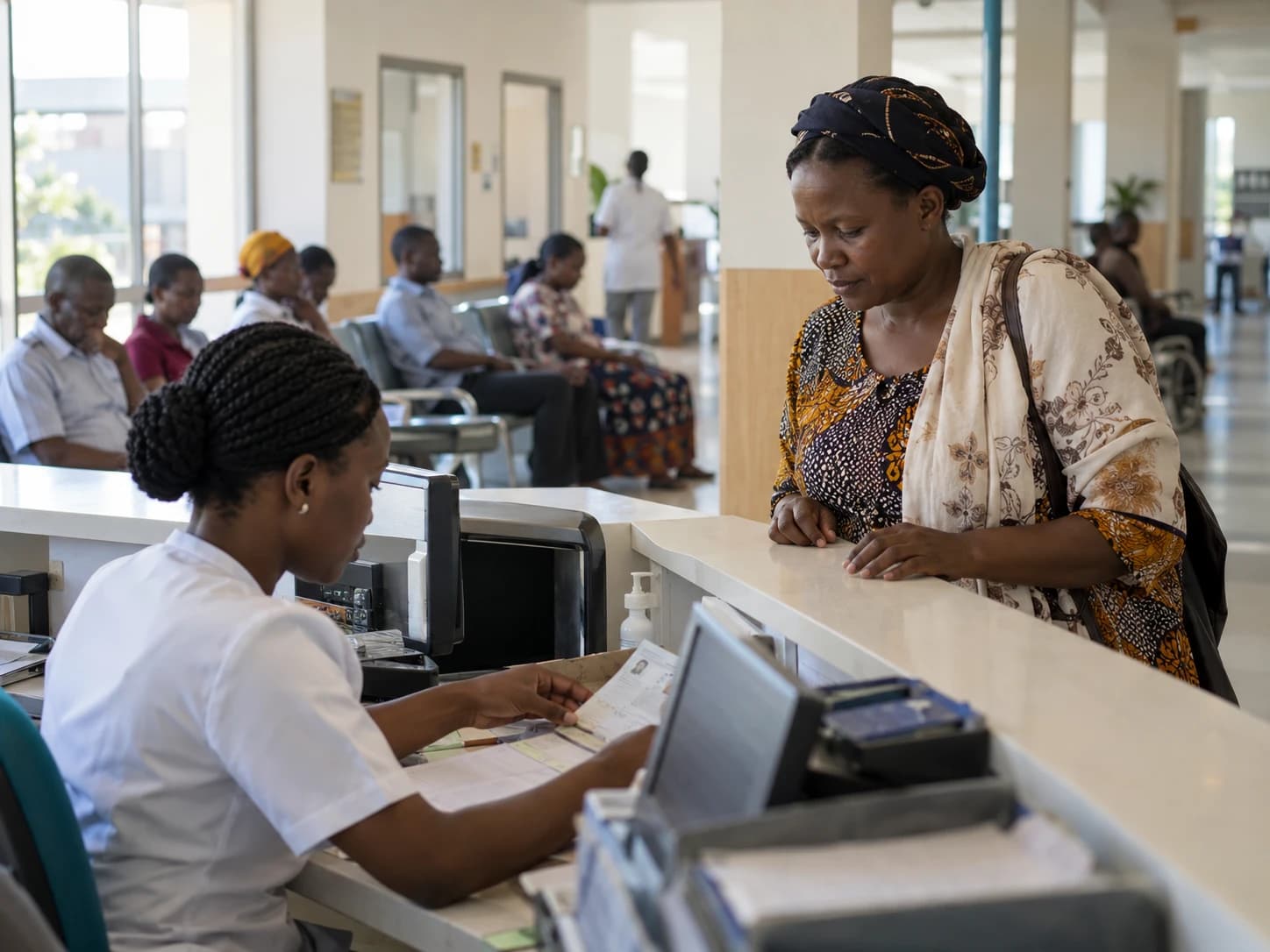
A patient is registered once and given a medical record number. From then on every appointment, triage reading, consultation, order and bill attaches to that record, and the care timeline shows the whole visit in order.
In the product
Real screens, demonstration data.
Captured from the DawaSmart web workspace on a demonstration hospital. Names and figures are fictitious.
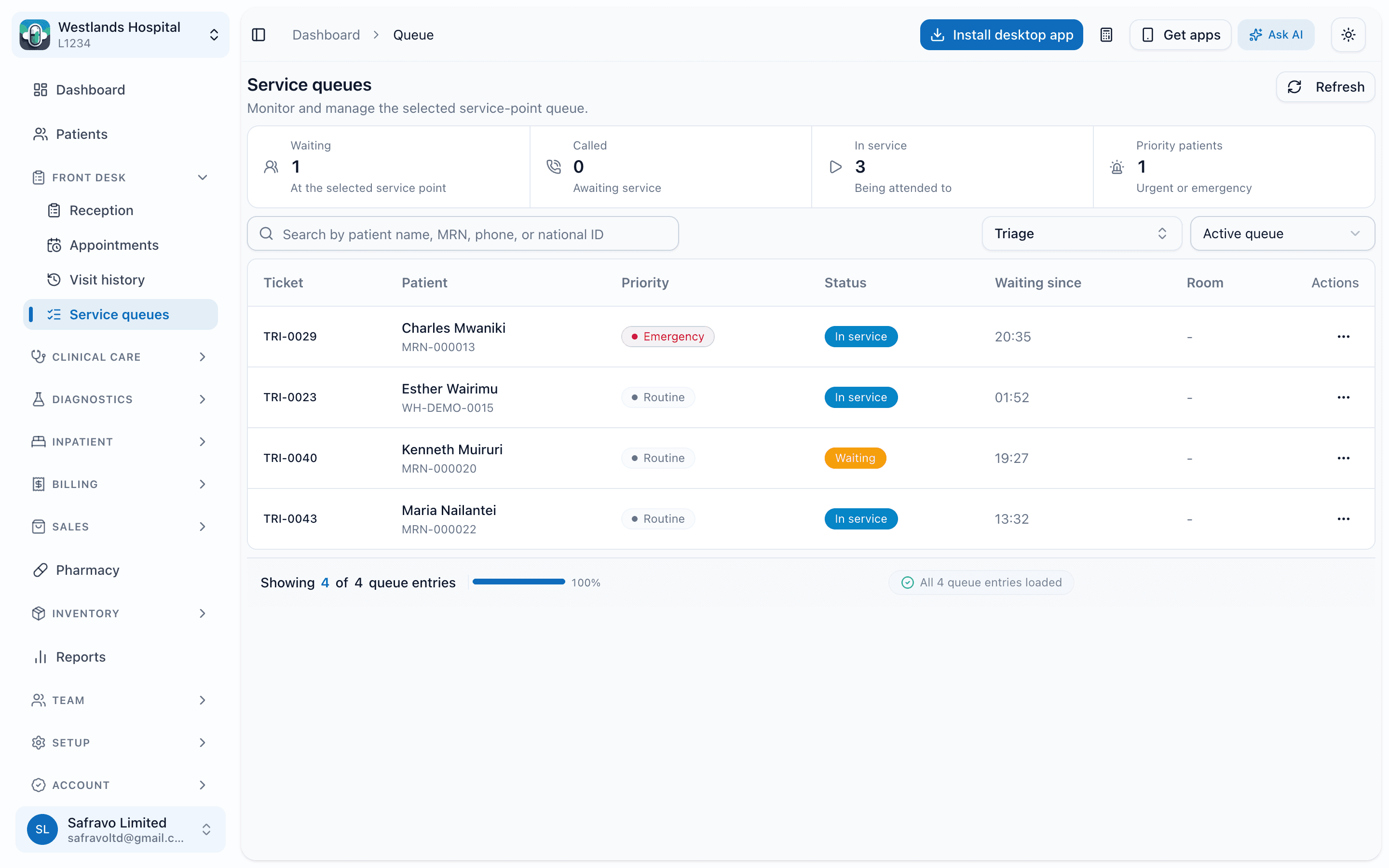
Service queues · triage
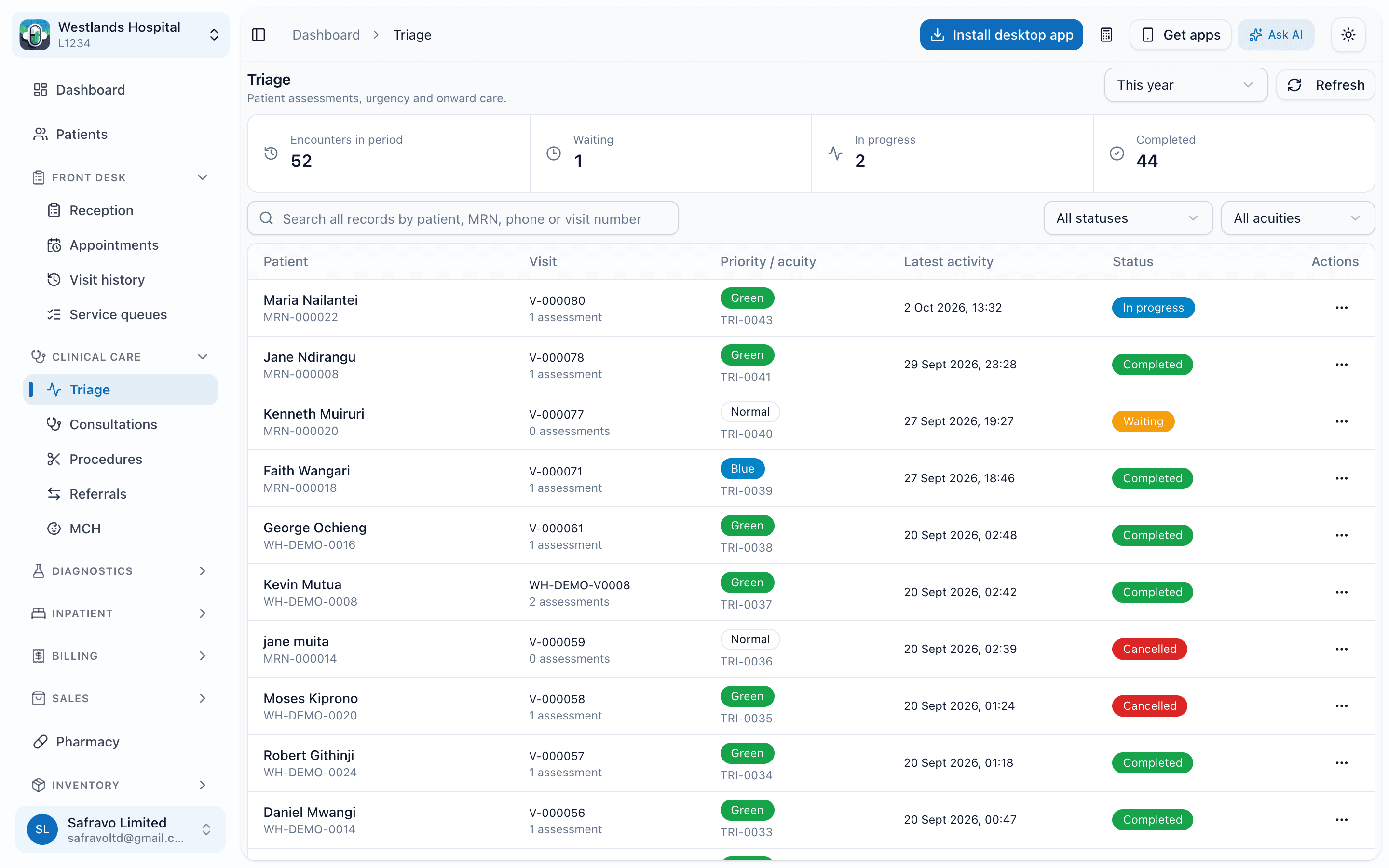
Triage worklist
What it does
Capabilities, as they exist in the product today.
Front desk
- Patient registration with MRN, demographics, next of kin and payer details, and duplicate checks on name, phone and ID
- Appointments and bookings against clinicians, rooms and equipment, with a facility calendar
- Reception check-in that opens a visit and routes the patient to the right service queue
- Live service queues per department with waiting, called and in-service counts, and public queue display screens
Clinical
- Triage with vital signs, priority and an alert when a reading is out of range
- Consultation notes, diagnoses, orders for laboratory, radiology and procedures, and prescriptions, all from the consultation screen
- Referrals, inbound and outbound, recorded against the visit
- A chronological care timeline of visits, hand-offs, results and admissions for each patient
Controls and reports
- Role-based access: reception sees registration and queues, clinicians see clinical notes, cashiers see bills
- Visit history and clinical history exports for authorised users
- Department-level dashboards of arrivals, completed visits and average waiting time
Workflow
How the work moves.
Who uses it: receptionists, triage nurses, clinical officers and doctors, records officers.
- 1
Register or find the patient
Search by name, MRN, phone or ID. New patients are registered in under a minute.
- 2
Check in and queue
Reception opens a visit and the patient appears on the triage or consultation queue.
- 3
Triage
Nurses record vitals; abnormal readings are flagged before the clinician sees the patient.
- 4
Consult and order
The clinician documents, orders tests and prescribes from one screen.
- 5
Hand off
The patient is routed to laboratory, radiology, pharmacy or the cashier, and the queue updates.
Questions
About outpatient
Can we run several departments' queues at once?
Does triage block consultation until vitals are taken?
Works with
Modules this one hands off to.
Inpatient and bed management
Live bed board, admissions, ward rounds, medication administration and guided discharge.
Laboratory
Test catalogue and pricing, sample collection, results with attachments, and reports sent to patients.
Billing, payers and insurance
Invoices built as care happens, a cashier worklist, M-Pesa, discount approvals, payers, pre-authorisations and claims.
Next step
See outpatient running on your hospital's workflows.
A demo takes about 45 minutes. We walk through the departments you run, on real screens, and leave you with a written scope and quote.
Or call +254 746 289 413 · Monday to Saturday, 8:00 to 18:00 EAT